
What your customers can do themselves
The self-service page where renters look up a booking, download a receipt, update a failed card and cancel — how the refund window really works, and what it means for you.
Your booking site isn’t only for making reservations. Customers can come back to My booking to handle things themselves, which keeps routine questions out of your inbox. It’s worth knowing exactly what they can do, because some of it moves money.
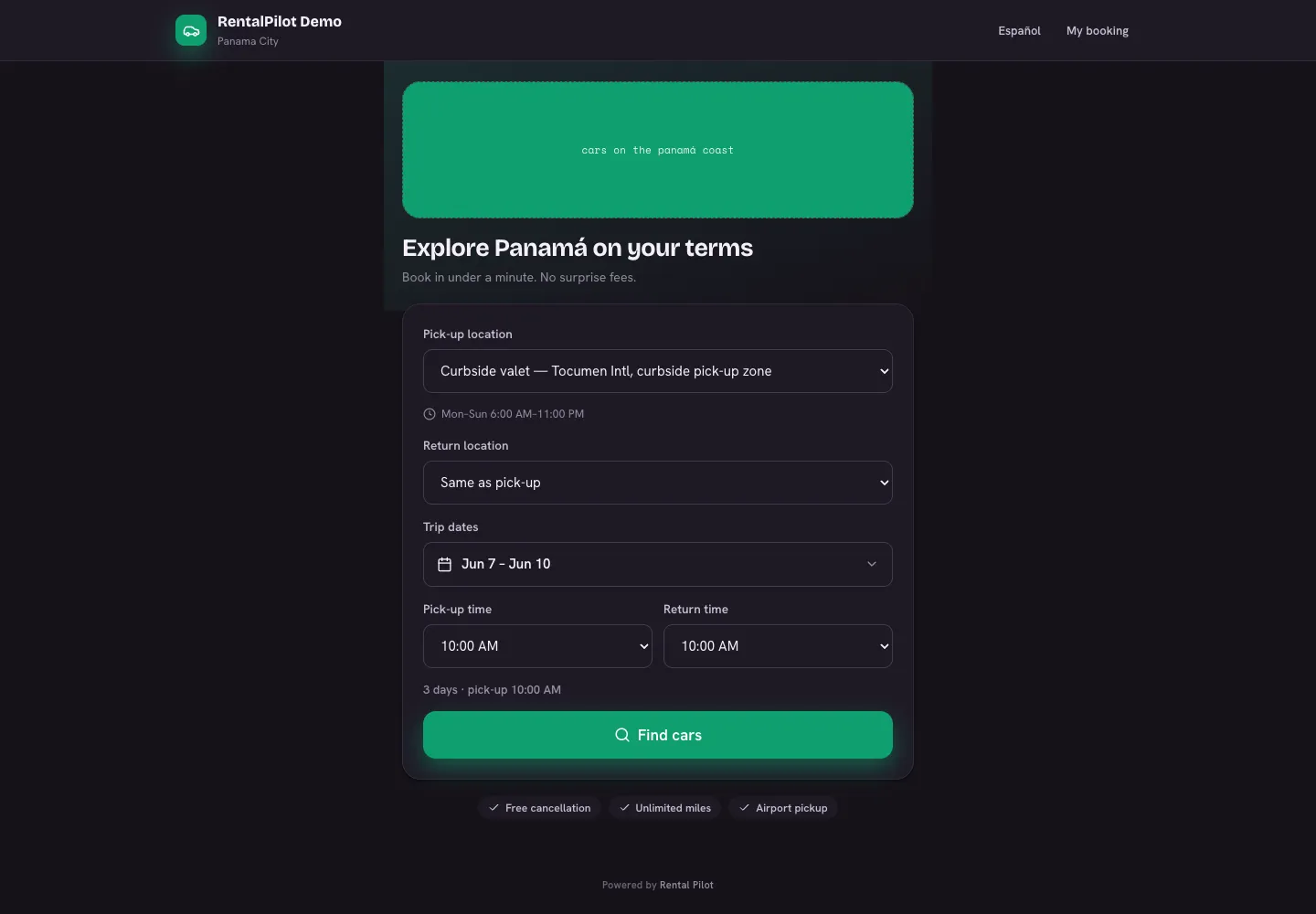
How they get in
From your booking site, a customer chooses My booking and enters their confirmation number and the email on the booking. There’s no account and no password.
Both have to match. A wrong pair simply returns “not found” — it never reveals whether a booking exists, so the page can’t be used to fish for other people’s reservations.
What they can do
- View the booking — dates, vehicle, pick-up location, total and the deposit hold.
- Download a receipt or invoice — the same PDF you can produce from the operator app.
- Pay a balance — when you’ve sent them a pay link. (Signing happens during checkout; there is no separate signing link to send.)
- Update the card on file — the recovery path when a payment fails; on a long-term rental this also collects the overdue installment and resumes automatic billing.
- Stop a month-to-month renewal — on an auto-renewing long-term rental.
- Cancel the booking.
Cancellations and refunds
This is the one that affects your money, so it’s worth being precise:
- Cancelling inside the free-cancellation window refunds what they paid online, in full, to their original card — automatically.
- Outside it, the page tells them it’s non-refundable and they can still cancel (freeing the vehicle) without a refund.
- If nothing was paid online, there’s nothing to refund and the page says so.
- Once a rental is under way, self-service cancellation is closed off and they’re asked to call you.
The window closes 24 hours before midnight at the start of the pick-up date — so a rental picking up on the 10th has to be cancelled before midnight at the start of the 9th, whatever the pick-up time. It’s stricter than “24 hours before pick-up”, and it’s fixed across RentalPilot rather than a per-operator setting. If a refund fails, the booking still cancels and is flagged for manual processing. To make an exception in a customer’s favour, refund them from your Stripe dashboard; see Deposits & refunds.
Actions that change the booking — an online booking, a self-service cancellation — land in your activity log, and cancellations record the reason they picked. Simply looking a booking up or downloading a receipt isn’t logged.
It works in their language
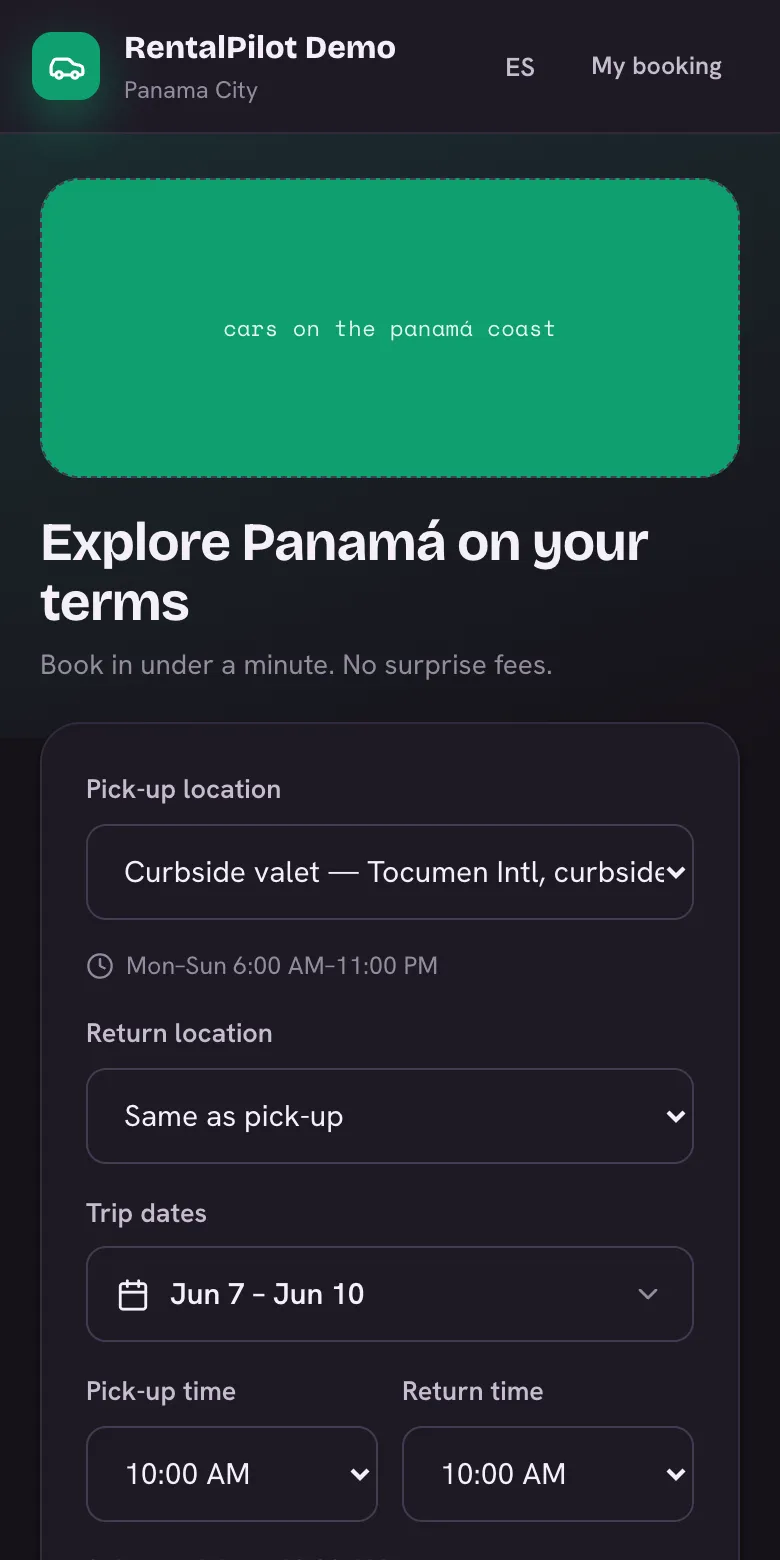
The whole flow is available in English and Spanish, follows your branding, and works on a phone — which is where most customers will open it.
To brand the site itself, see Customize your booking site. Questions? Contact us.