
Customize your booking site
Brand the public page customers book through — hero image, headline, subtitle and colour, per language — and find your booking link and embeddable quote widget.
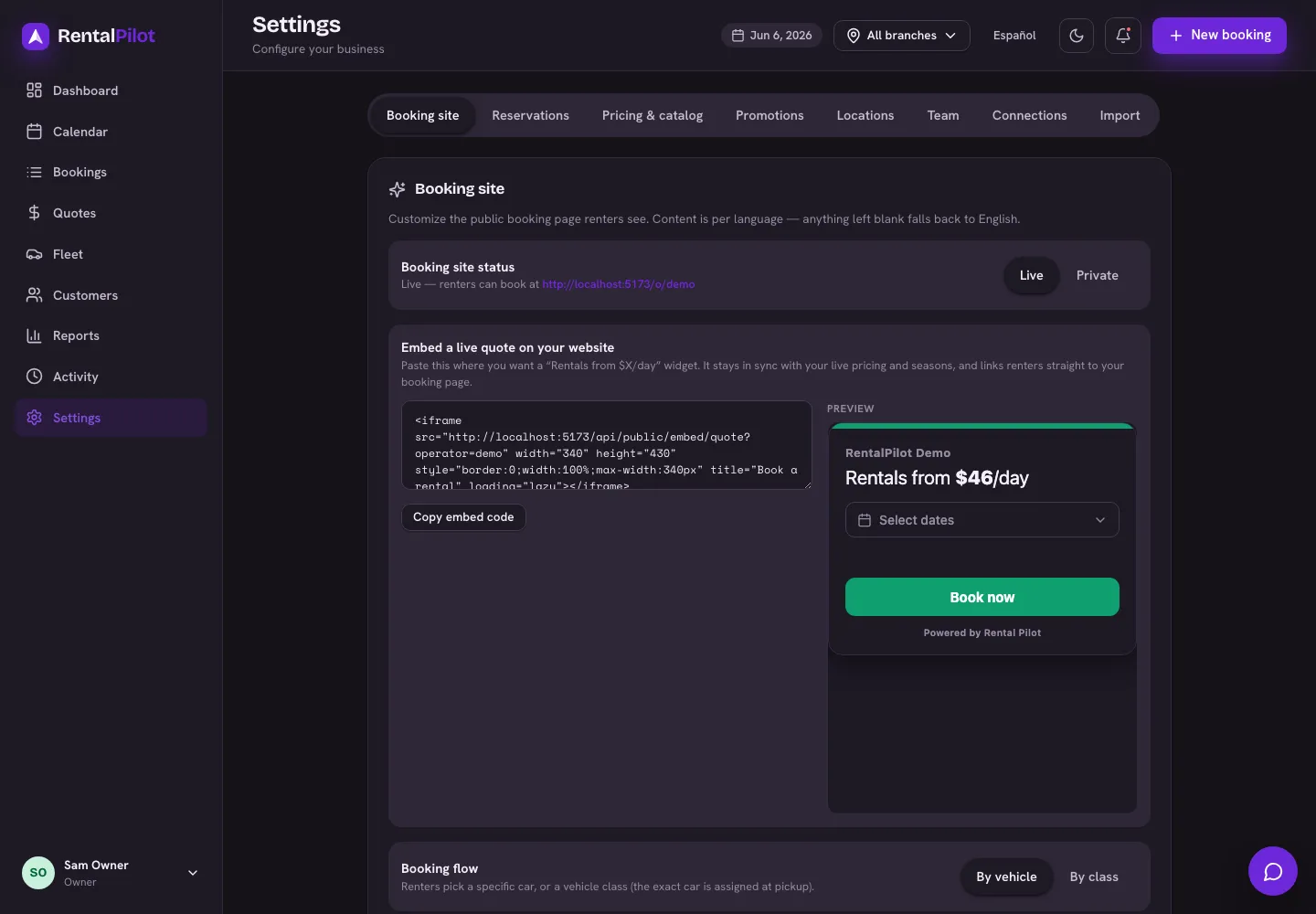
Your booking site is the public page customers use to book. You brand it in Settings → Booking site, with a live preview as you edit.
Branding
Set these for each language you support (anything left blank falls back to English):
- Hero image — the banner image at the top
- Headline and Subtitle — your welcome copy
And one brand colour (shared across languages) that themes the whole booking flow.
Live or private
Use the Live / Private toggle to control whether customers can reach your booking site. While private, only you (signed in) can see it.
Your booking link
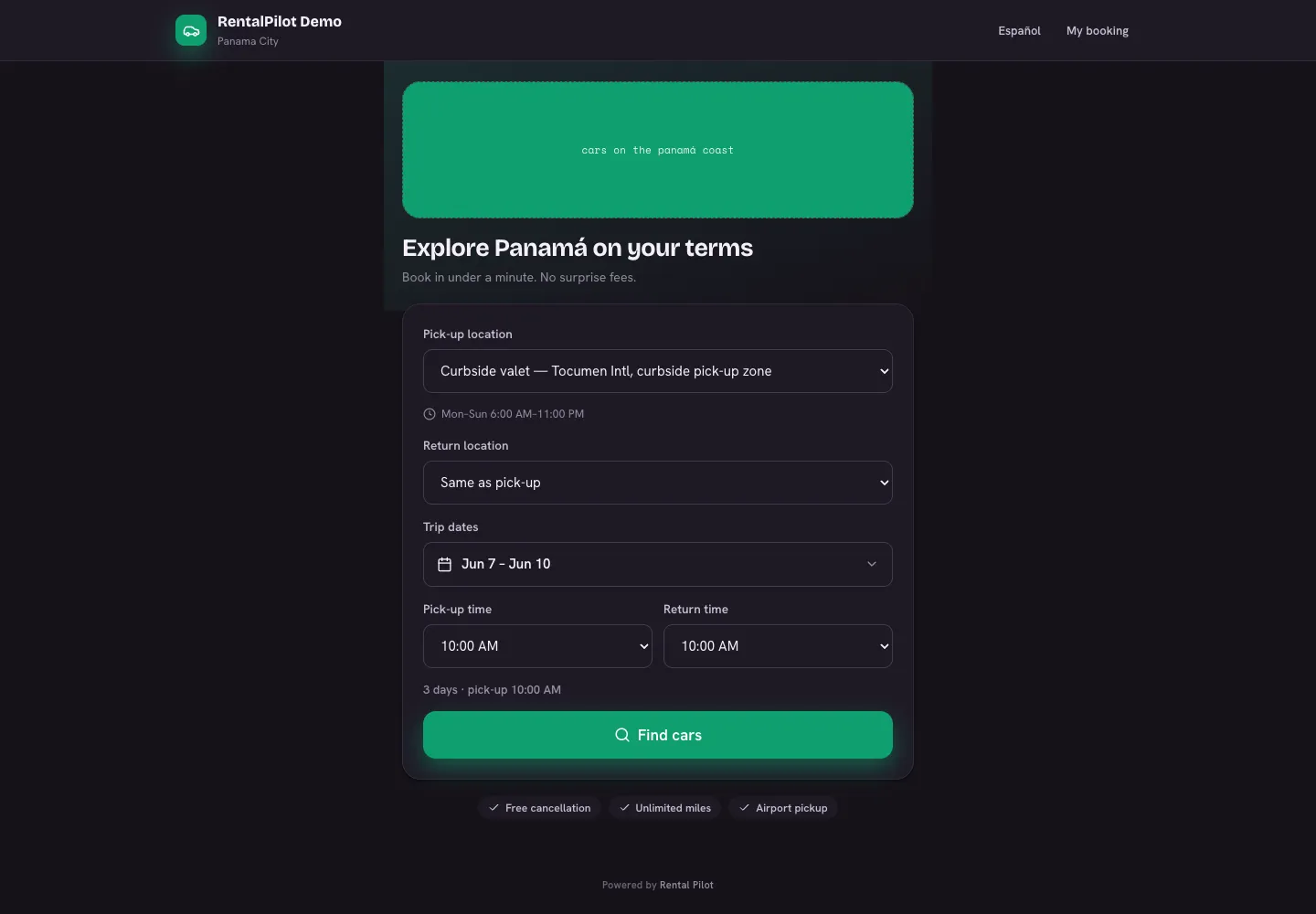
Your public booking site is at /o/your-business (shown on the Booking site tab). Share that link with customers, put it on your website, or add it to your social profiles.
Embed a live-quote widget
If your booking site is live, you’ll also see an embeddable quote widget. Copy the snippet and paste it onto your own website to show a “Rentals from $X/day” box that stays in sync with your live pricing and links straight to your booking page. See Embed a live quote on your website for the full how-to.
To choose how customers book and confirm, see Online booking options. To set the pick-up/drop-off points customers choose from, see Locations & pick-up points. Questions? Contact us.