
Set your rates, seasons and discounts
Set daily rates, raise or lower prices by season, reward longer rentals with length discounts, and configure your currency, tax and distance units — all priced live.
Pricing in RentalPilot is rule-based: you set the rules once and every quote and booking is priced from them automatically — no spreadsheet to keep in sync.
Daily rate
Each vehicle has its own daily rate, set on the vehicle itself (Fleet → the vehicle → Edit). That’s the starting point seasons and discounts adjust.
Seasons
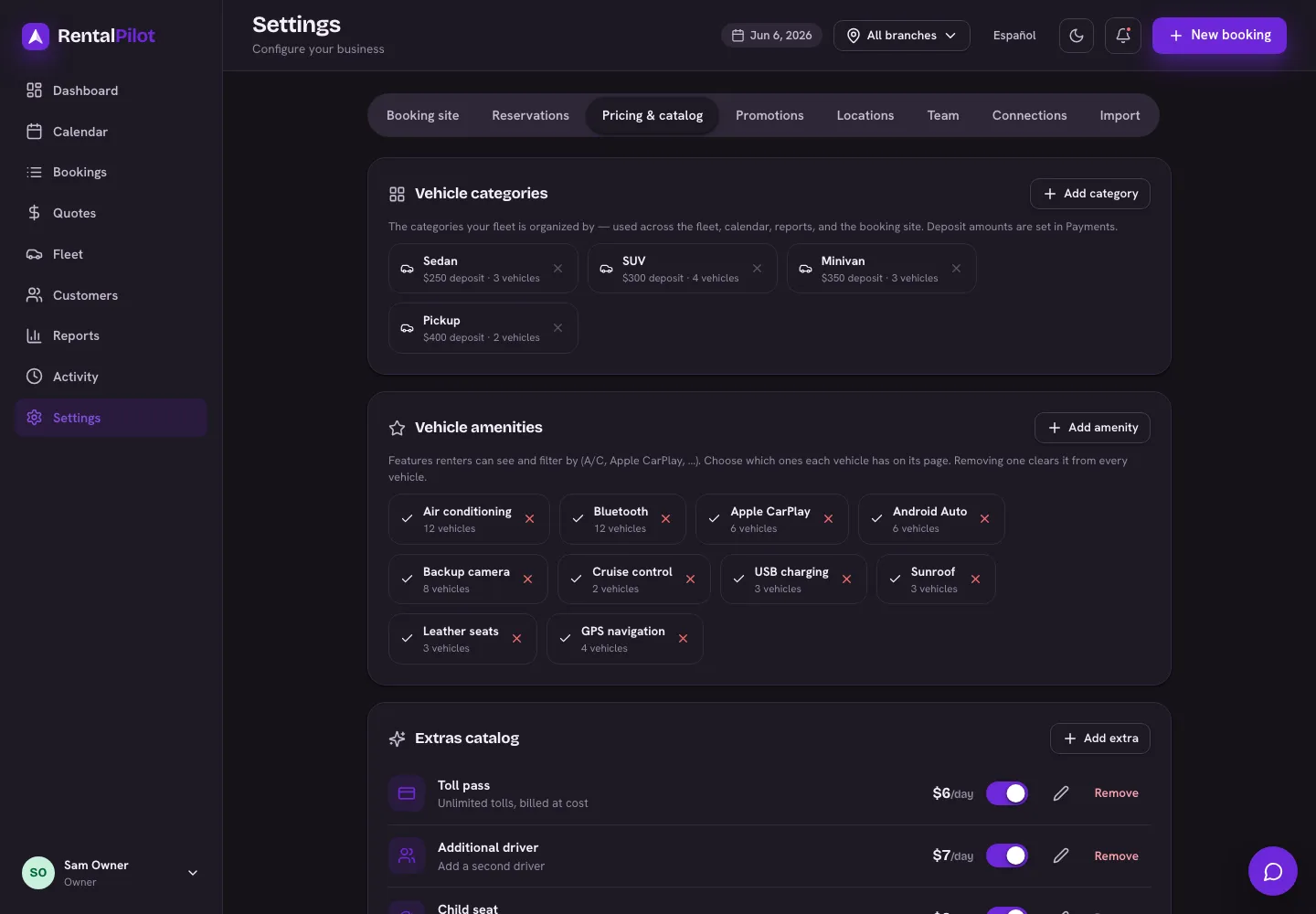
Open Settings → Pricing & catalog → Pricing seasons and Add season with a name, a date range, and a rate adjustment percentage (e.g. +20% for high season, −15% for the off-season).
Pricing is worked out day by day, so a rental that spans two seasons is split correctly — the high-season nights cost more and the rest stay at the normal rate.
Length discounts
Reward longer rentals: in Settings → Pricing & catalog → Length discounts, Add tier with a minimum number of days and a discount percentage (e.g. 7+ days → 10% off). If a rental qualifies for more than one tier, the highest one wins.
To require a minimum rental length (e.g. a 7-day minimum for a weekly-priced fleet), see Minimum rental length.
Taxes
In Settings → Pricing & catalog set your tax name (e.g. VAT, ITBMS, Sales Tax) and a default rate. The name shows on quotes and receipts. If a location charges a different rate, you can override it per location in Settings → Locations — tax follows the pick-up location.
Currency
Also in Settings → Pricing & catalog, set your currency — this is what renters see and what their card is charged in.
Set this before you take your first booking. Every booking, invoice and report stores amounts in your business currency, so changing it later doesn’t convert what’s already there.
(Your RentalPilot subscription is always billed in USD, regardless of the currency you rent in.)
Distance units
Also in Settings → Pricing & catalog, choose Miles or Kilometres. This switches the unit label used on odometer, service and reports (it only changes the label, not your stored numbers).
Want add-ons and optional fees? See Extras, delivery & fees, Promo codes and Mileage limits & overage. Questions? Contact us.