
Mileage limits & overage
Set a distance allowance per rental day and a per-mile/km overage rate, then review and charge the overage at check-in.
If you’d rather not hand over unlimited mileage, you can include a set distance per rental day and charge for anything beyond it. The extra is worked out for you at check-in, from the odometer readings you already capture.
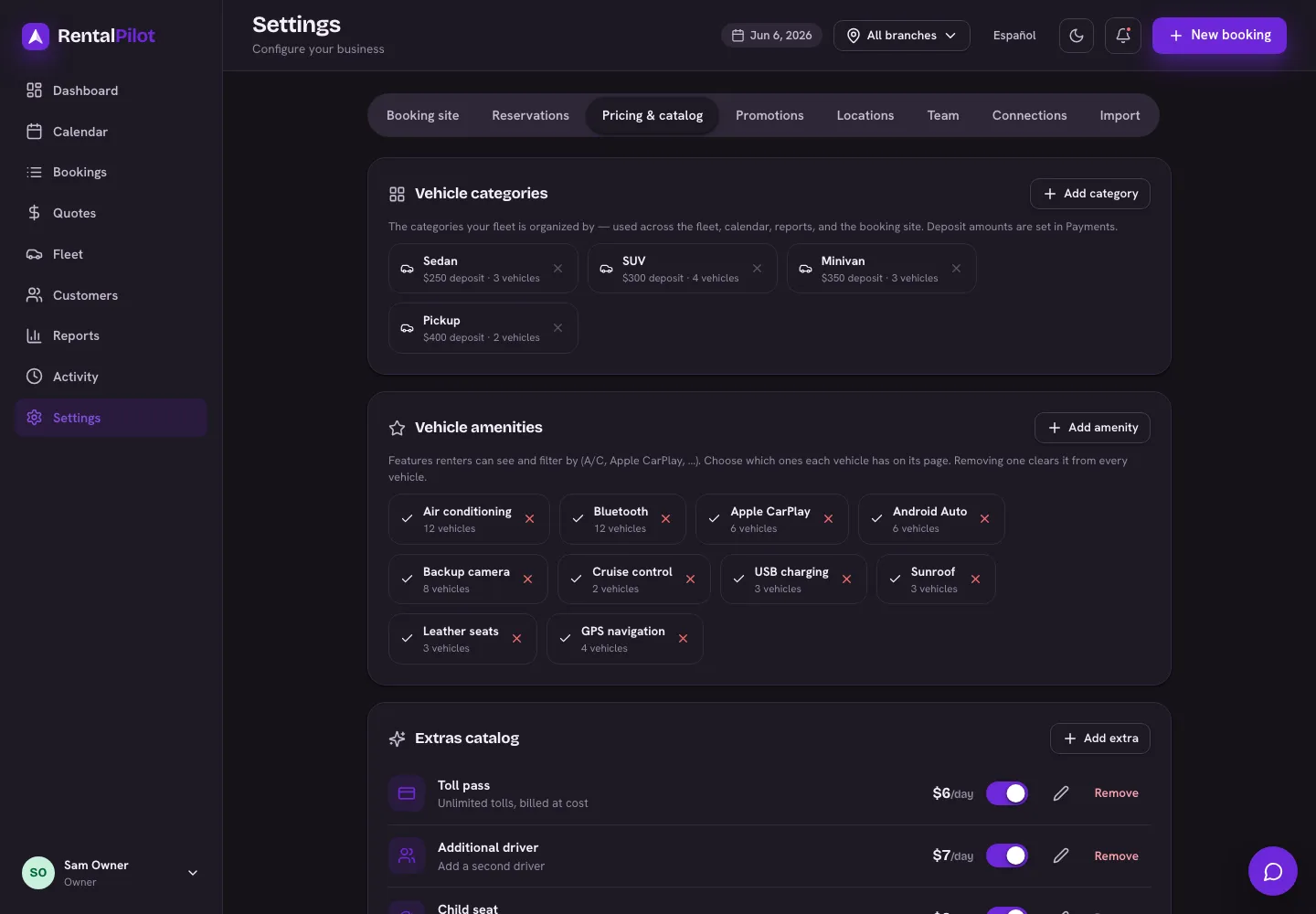
Set your allowance
In Settings → Pricing & catalog:
- Included distance / day — how far the customer can drive per rental day before overage starts. Set it to 0 for unlimited mileage (the default — the whole feature switches off).
- Overage rate — what you charge per mile or kilometre beyond the allowance.
Both use your mi/km setting from the same tab. A 3-day rental with a 200 mi/day allowance includes 600 miles in total — the allowance pools across the rental rather than being enforced day by day.
Both values must be set for a mileage policy to apply. An allowance with a 0 rate charges nothing.
What happens at check-in
When you close out a rental, the Close contract step shows a Mileage summary:
- Driven — the distance from your check-out and check-in odometer readings
- Included — the allowance for this rental
- Over — the difference, if any
- Overage charge — the amount, taken from the card on file
The figure is a suggestion you confirm, not an automatic charge. Edit it to any amount, or set it to 0 to waive it — handy when you’d rather keep a good customer than collect $18.
Collection is best-effort and never blocks the return. If the renter’s saved card declines (or there isn’t one), the check-in still completes and the booking’s timeline records “Mileage overage — charge failed, collect manually.” An overage that didn’t settle is not recorded on the booking, so it won’t appear in your reports or the accounting export either. Glance at the timeline after a check-in you expected to charge.
Because the charge is calculated from odometer readings, keeping those accurate matters. If you use AI dashboard reading, the odometer is filled in from a photo of the dash for you to confirm — see Check a car out and back in.
Where it shows up afterwards
Once it settles, the overage appears on the booking, in the Reports → Rentals breakdown, and in the accounting export as Mileage Income for your bookkeeper.
Need to bill for something else after a rental — a fine or a toll? See Add a fine, toll or extra charge. Questions? Contact us.