
Add a fine, toll or extra charge
Bill a renter after the rental for a parking fine, toll, cleaning or refuelling — charge the card on file, or record it and send a pay link.
Some costs only show up after the keys come back — a speeding ticket that arrives weeks later, an unpaid toll, a car that needs valeting. Extra charges on the booking’s detail page let you bill those to the renter without creating a new booking.
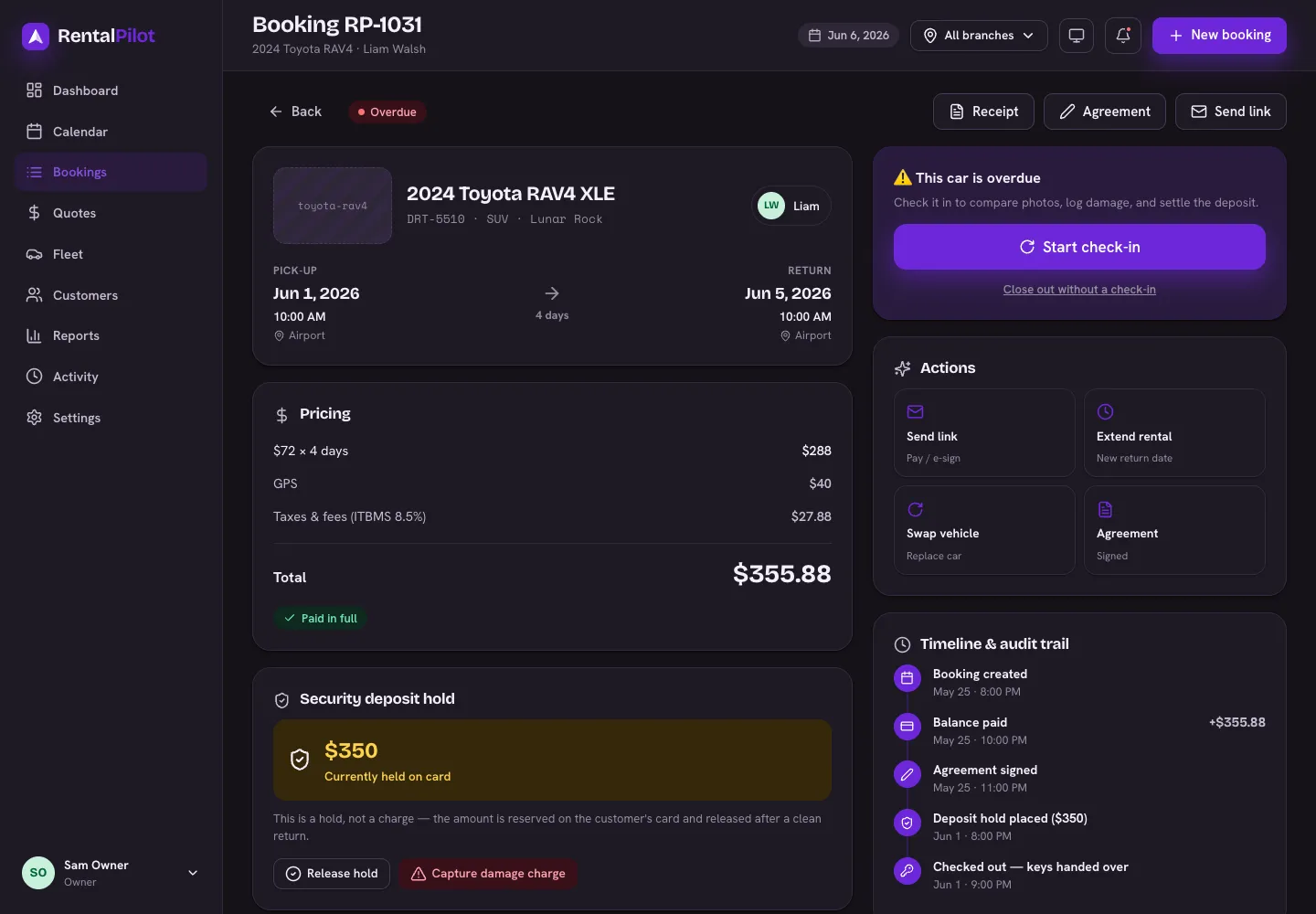
Add a charge
Open the booking, find the Extra charges section and choose Add a charge:
- Type — Fine, Toll, Cleaning, Refuel, Smoking or Other.
- Description — what it was, for the renter’s record and yours (e.g. “Speeding ticket — Corredor Sur, 2 Jul”).
- Amount — the cost being passed on.
- Admin fee — an optional handling fee on top, if you charge one.
- Choose how to settle it:
- Charge card on file — bills the renter’s saved card straight away.
- Record only — logs the charge without billing the card (for example, when you’re taking it out of a cash deposit).
If the card doesn’t go through
A charge with no valid card on file — or one the bank declines — is marked charge failed rather than quietly disappearing. Use Send pay link on that row to generate a secure link the renter can pay themselves — it’s copied to your clipboard for you to send; unlike the booking-level pay link, this one isn’t emailed automatically.
Waiving a charge
Changed your mind, or the fine turned out not to be theirs? Choose Waive on the row. The charge stays on the record marked waived, so the history stays honest.
Where it shows up
Extra charges appear on the booking’s timeline and in the accounting export, where they’re booked to Other Income (mileage overage goes to Mileage Income).
They are not currently added to the booking’s invoice PDF or the Reports → Rentals breakdown, so a renter’s invoice won’t show a fine you added after the fact. Send the pay link — or your own note — for those.
This is for costs that come up after the rental. For distance driven beyond an included allowance, use Mileage limits & overage — that’s calculated for you at check-in. For damage found at return, use the deposit hold at check-in instead — see Check a car out and back in.
Need a hand? Contact us.