
Create and send a quote
Build an instant, accurate price in seconds, send the customer a link, and let them book and pay it themselves — no spreadsheet to keep in sync.
A quote is an instant price you can send a customer before they commit. It’s priced live from your current rates, seasons, extras and fees — so it’s always accurate, with no spreadsheet to maintain. A quote never holds a car; the vehicle is only reserved once the customer books.
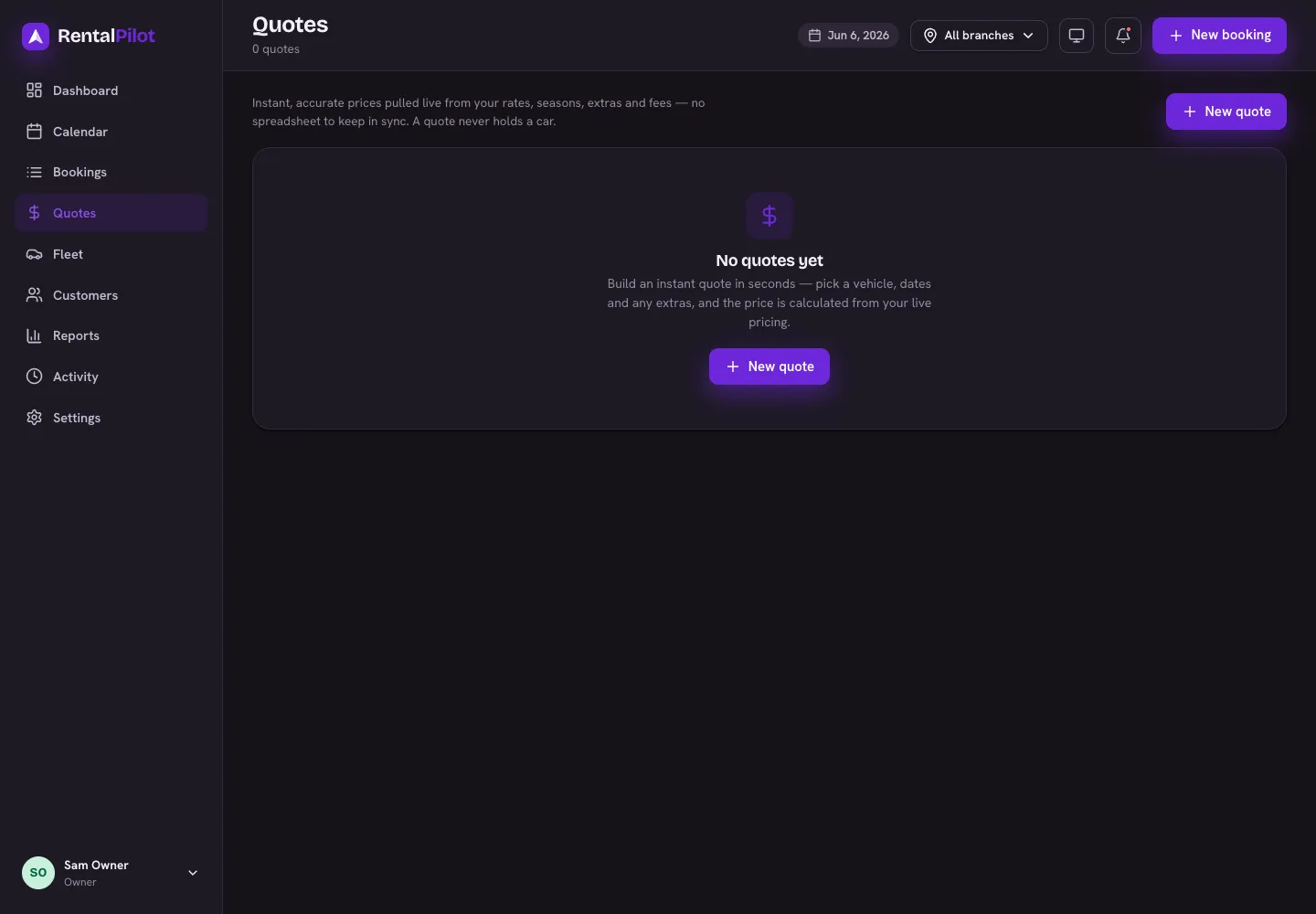
Create a quote
- Open Quotes from the left-hand menu and choose New quote.
- Pick the vehicle and the pick-up and return dates. The price updates live as you go.
- Add any extras, a protection plan, delivery or a return location (for a one-way rental) if relevant.
- Optionally add the customer’s name and email (for your own reference and to send the quote) and set how many days the quote is valid for.
- Choose Save quote.
The footer shows the running total and the deposit hold so you can sanity-check the price before saving.
Send it to the customer
On the Quotes list, find the quote and choose Copy link. That copies a booking link — paste it into an email, text or WhatsApp message to the customer.
When they open the link they’ll see the quoted price and can book and pay it themselves. No login is needed on their end.
What happens after they book
Once the customer books from the link, the quote turns into a confirmed booking. Its row in the Quotes list switches to the converted status and the action column reads Booked — the same thing, seen twice. It then appears in Bookings and on the Calendar like any other reservation.
A few things worth knowing:
- Open quotes can still be sent and booked; converted ones have been booked already. A quote can also be declined or expired.
- Quotes expire after the validity period you set, so prices don’t go stale.
- Need to change a price? Just create a new quote — it always reflects your latest rates.
Can’t find what you need? Contact us and we’ll help.