
Confirm your email when you sign up
New accounts confirm their email before signing in. Here's how to confirm — and what to do if the link expired.
When you create a RentalPilot account, we send a confirmation link to your email. Confirming proves the address is yours — it’s where password resets, billing receipts and booking notifications are sent.
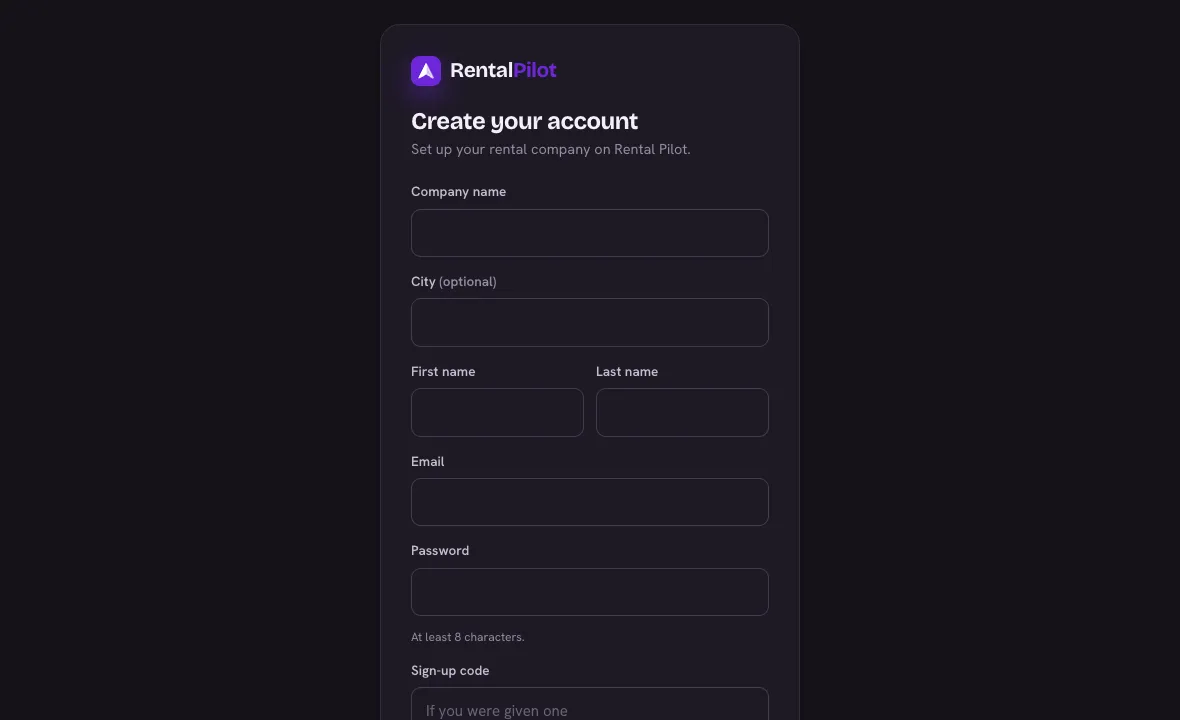
Confirm your account
- After signing up, check your inbox for “Confirm your email — RentalPilot.”
- Open it and choose Confirm your email.
- On the confirmation page, choose Confirm & continue — you’re signed straight in.
Until you confirm, trying to sign in shows a reminder instead of logging you in.
Didn’t get it, or the link expired?
- The link is valid for 24 hours. If it’s expired or you can’t find the email, choose Resend confirmation email — it’s on the sign-up confirmation screen, and on the sign-in screen after you try to log in.
- Check your spam / junk folder.
Invited team members, and anyone who resets their password, confirm their email automatically — no extra step needed.
Need a hand? Contact us.