
Call or message a customer
Reach a customer in one tap — call their phone or open a WhatsApp chat — straight from the dashboard and their profile.
When you need to reach a customer — for example to chase an overdue return — you can call or message them without copying their number around.
Where to find it
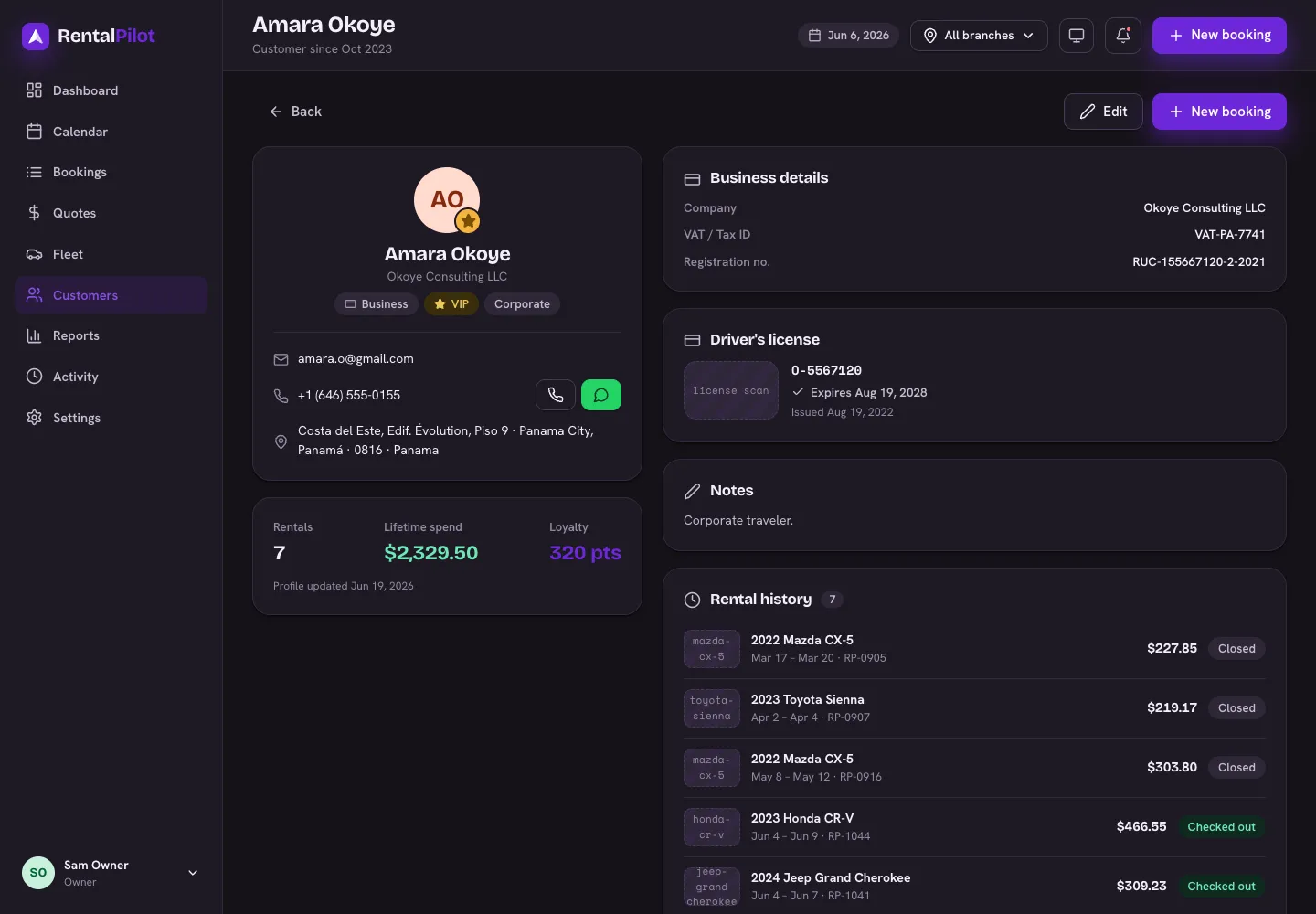
- Dashboard → Overdue list — each overdue rental has Call and WhatsApp buttons next to it.
- A customer’s profile — the phone row has the same Call and WhatsApp actions.
Call opens your device’s phone dialer. WhatsApp opens a chat with that number, in WhatsApp on your phone or WhatsApp Web.
Make sure WhatsApp can find them
WhatsApp needs the number in full international format — including the country code (for example +507 6000-0000). If a saved number has no country code, the WhatsApp link may not open the right chat.
You can set or fix a customer’s number on their profile with Edit.
Need a hand? Contact us.